
KEY POINT
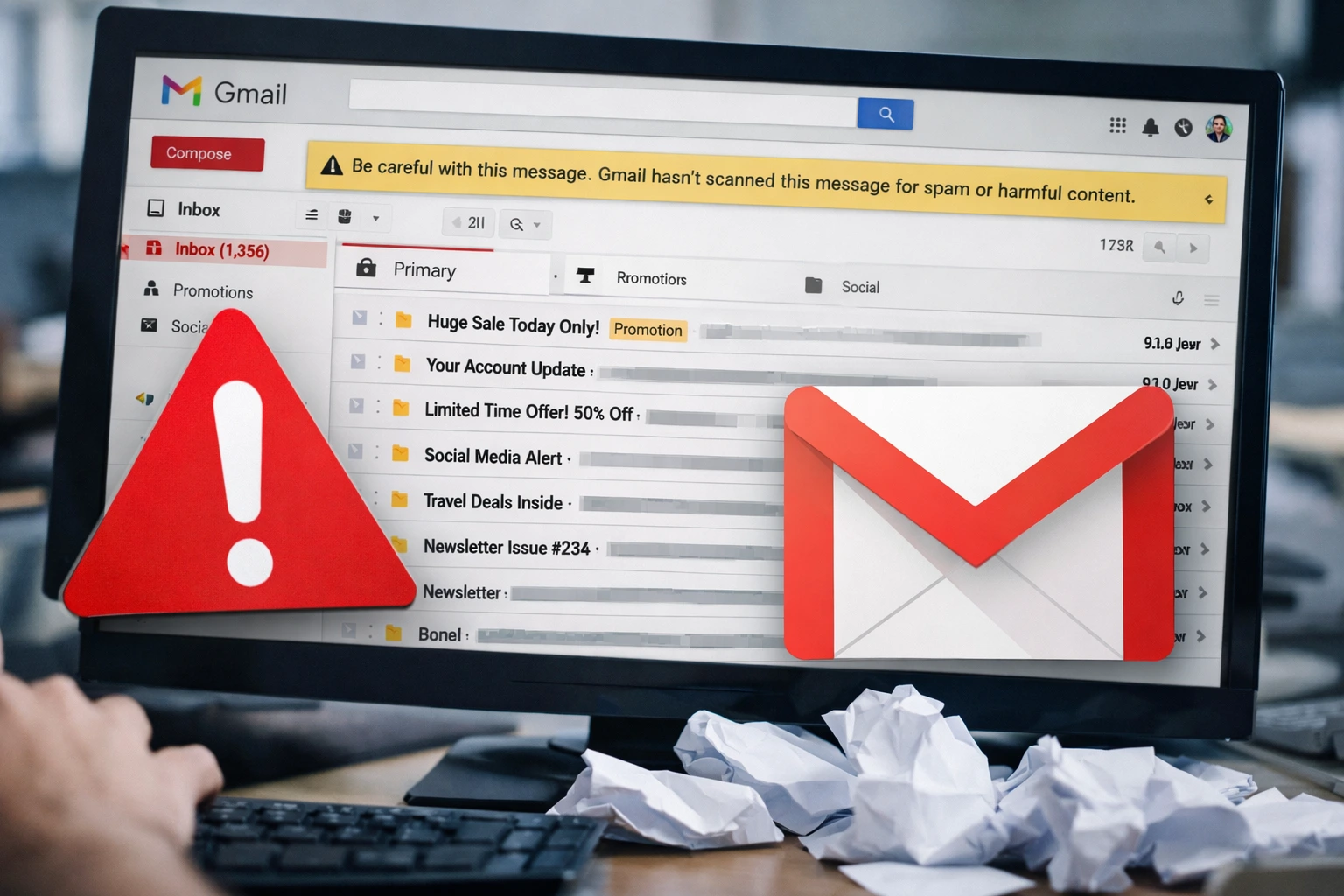
- Gmail not filtering emails correctly has led to promotions and updates appearing in primary inboxes.
- Some users reported delayed emails, affecting two factor authentication logins.
- Google said it is actively working on a fix and advised caution with unknown senders.
Google said Saturday it is working to resolve a Gmail disruption that has caused widespread inbox clutter, delayed message delivery and unexpected spam warnings.
As users across multiple regions reported that Gmail not filtering emails properly led promotional and update messages to appear in their primary inbox.
The disruption has affected Gmail users globally, disrupting a core feature that has defined the service for more than a decade: automatic inbox categorization.
The issue surfaced early Saturday and quickly drew complaints on social media platforms, Reddit and Google’s own support forums, with users reporting an unusual surge of notifications and warnings that emails had not been scanned for spam or malicious software.
Gmail introduced automatic inbox tabs in 2013, separating emails into Primary, Promotions and Updates categories.
The system has since become central to how millions of users manage daily email volume, particularly for businesses, journalists and users who rely on timely notifications for security and work-related communications.
According to Google’s Workspace Status Dashboard, the issue resulted in “misclassification of emails in their inbox and additional spam warnings.”
Some users also saw banners stating, “Be careful with this message. Gmail hasn’t scanned this message for spam, unverified senders, or harmful software.”
Reports indicate that Gmail not filtering emails correctly meant that Promotions and Updates tabs stopped receiving new messages altogether for affected users, while the Primary inbox filled with marketing emails, automated notifications and non urgent updates.
In a statement provided to Engadget, Google spokesperson Devon Smiley said the company was aware of the issue and working to restore normal functionality. “We are actively working to resolve the issue.
As always, we encourage users to follow standard best practices when engaging with messages from unknown senders,” Smiley said.
Email security specialists say the incident highlights how dependent users have become on automated filtering.
Chad Anderson, managing director of cybersecurity firm DomainTools, said temporary failures in filtering systems can create both inconvenience and risk.
“When Gmail not filtering emails occurs at scale, it increases the chance that users miss important messages or interact with suspicious ones,” Anderson said.
“Even short disruptions can have outsized effects, especially for authentication workflows and enterprise users.”
The problem also affected message delivery timing. Several users reported delays in receiving one time passwords for two-factor authentication, raising concerns for users attempting to log in to banking, work and social media accounts.
User complaints appeared across platforms throughout the day.
On Google’s official support forum, one user identified as Mark Reynolds said promotional emails began arriving in his Primary inbox overnight.
“I didn’t change any settings. It just started happening today, and changing settings didn’t fix it,” Reynolds wrote.
Another user, software engineer Aisha Khan, said the issue disrupted her workday. “I rely on Gmail filters to keep client emails visible.
When everything landed in Primary, important messages got buried,” Khan said in a Reddit post.
Andrew Romero, senior editor at technology site 9to5Google, said the reports appeared widespread.
“We’re seeing consistent feedback from users and even our own staff that Gmail’s automatic inbox categories stopped functioning as expected,” Romero wrote.
Google has not provided a specific timeline for full restoration but said engineers are actively working on the issue.
Historically, similar Gmail service disruptions have been resolved within hours, though some residual effects such as delayed messages can persist after a fix is deployed.
Security experts advise users to remain cautious while Gmail not filtering emails continues.
Reviewing sender addresses, avoiding unexpected links and manually checking spam folders are recommended until normal filtering resumes.
The incident underscores how essential automated email filtering has become for daily communication and digital security.
While Google works to resolve the malfunction, the disruption serves as a reminder that even widely trusted platforms can experience technical failures with immediate real-world consequences for users worldwide.
Why is Gmail not filtering emails?
A temporary Google system issue is causing Gmail not filtering emails properly.
Is Gmail spam filter down?
No, but spam scanning is partially affected for some users.
What should I do if Gmail not filtering emails?
Manually move emails and avoid clicking unknown links until fixed.


